

Tag: How To

DIY – How to Create a SVG Snowman Gift Box
This is a tutorial explaining how to create your own SVG Snowman Gift Box, so you can make it your desired size. Check out our SVG Snowman Box Set if you would like a set that has already been sized proportionately with all accessories included. To create the bottom of the SVG Snowman Gift Box …

How to Cut Our SVG Boxes & Lids Using Brother’s Canvas Workspace
This is a tutorial showing you how to cut our SVG boxes and lids using Brother’s Canvas Workspace. Although there may have been program updates, the basics still remain the same. *Canvas Workspace has issues with importing large SVG templates “true to size.” Please see our Template Size Chart to make sure your templates have …
How to Cut Our SVG Boxes & Lids Using Brother’s Canvas WorkspaceRead More
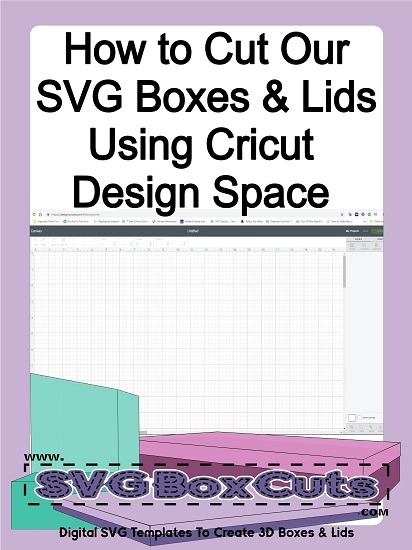
How to Cut Our SVG Boxes & Lids Using Cricut Design Space
This is a tutorial showing you how to cut our SVG boxes and lids using Cricut Design Space. *Cricut Design Space has had a lot of trouble with different versions not importing SVG templates “true to size.” If you are reading this at a time when Design Space is either enlarging or shrinking your templates, …
How to Cut Our SVG Boxes & Lids Using Cricut Design SpaceRead More

How to Cut Our SVG Boxes and Lids Using Silhouette Studio
This is a tutorial showing you how to cut SVG boxes using Silhouette Studio Designer Editions or Business Edition.If you have Silhouette Studio Basic Edition, please request your order to be converted to a Silhouette file free of charge. *Silhouette Studio has had some updates since this original post. Although they may have moved the …
How to Cut Our SVG Boxes and Lids Using Silhouette StudioRead More